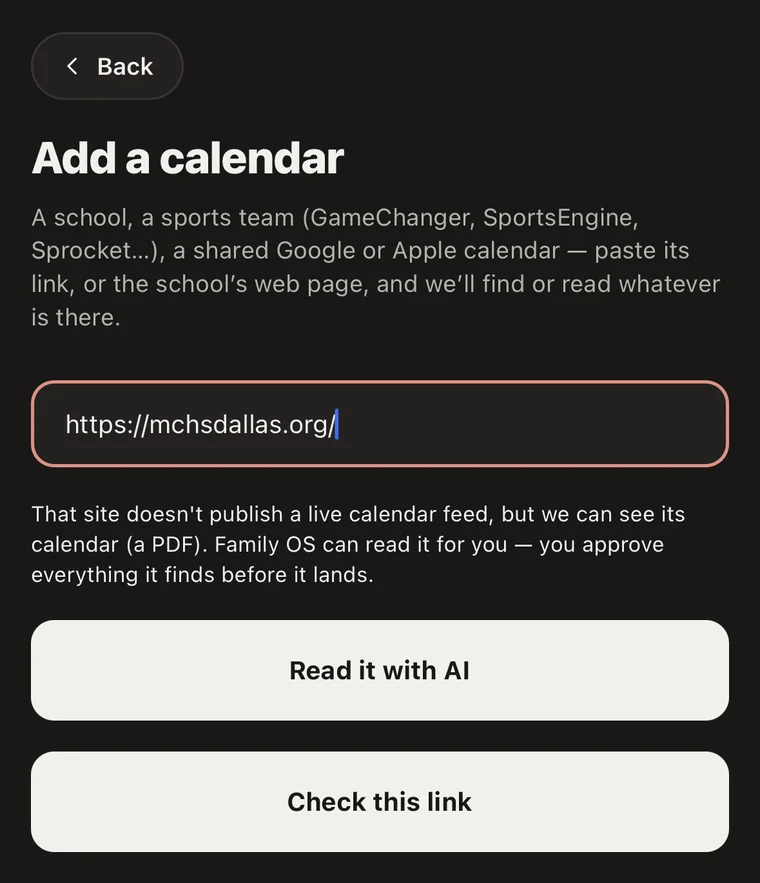
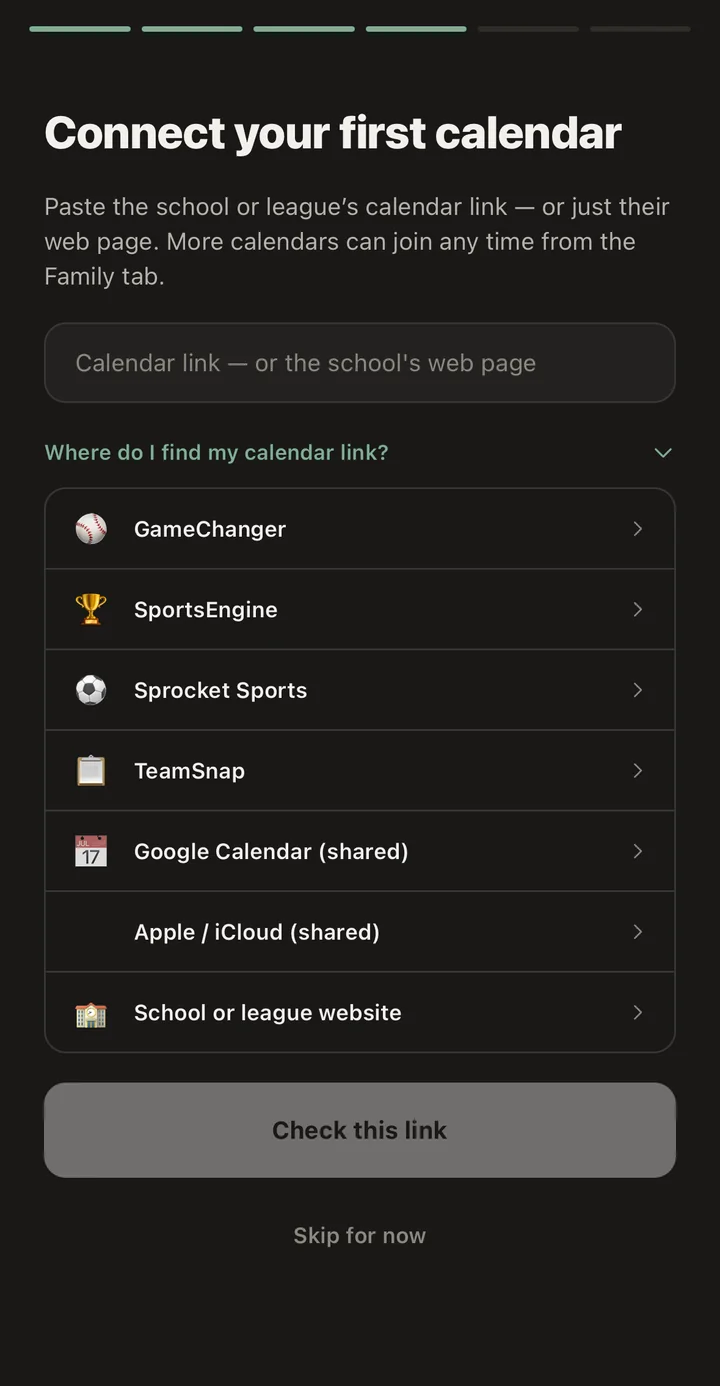
School, sports, and work calendars sync themselves. A change engine catches every moved practice and cancelled lesson. The right parent knows in seconds.
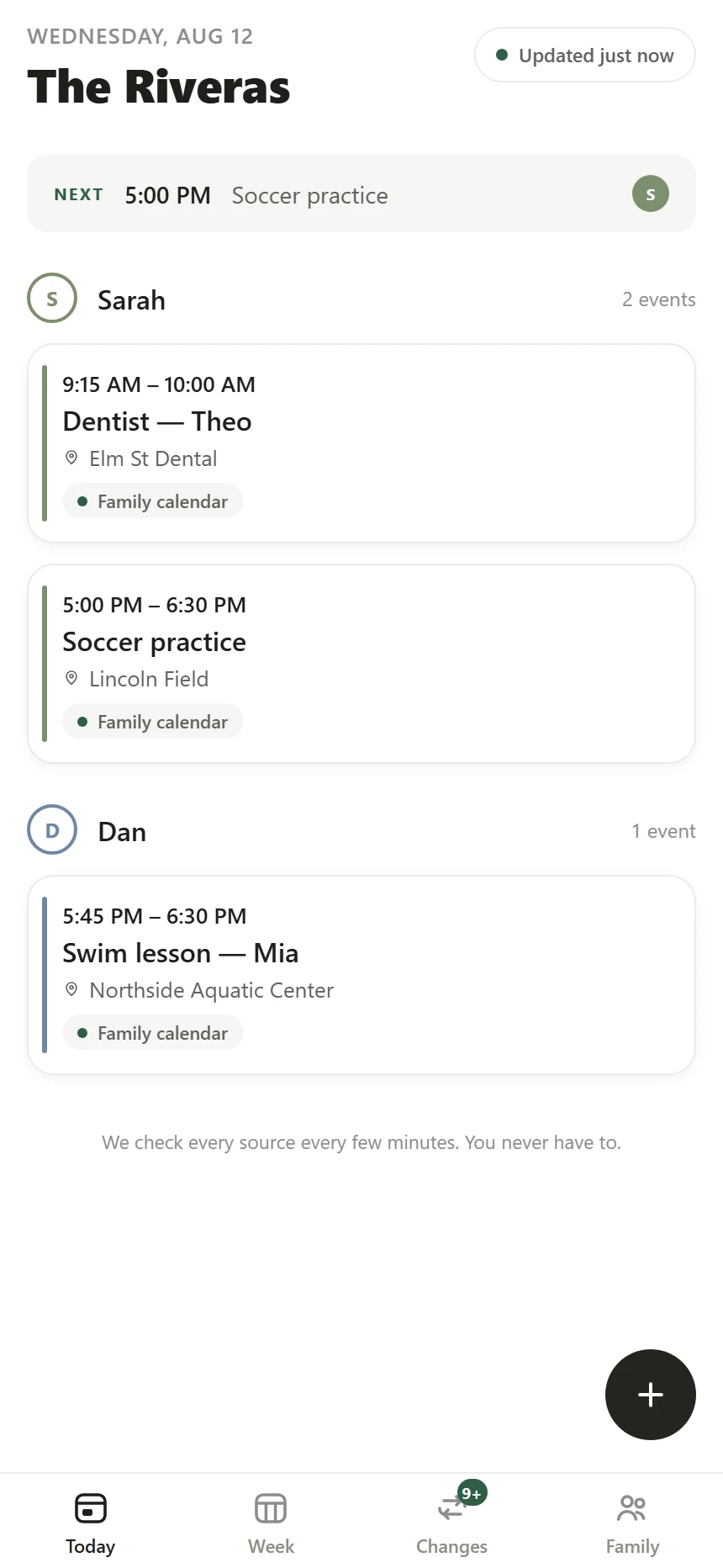
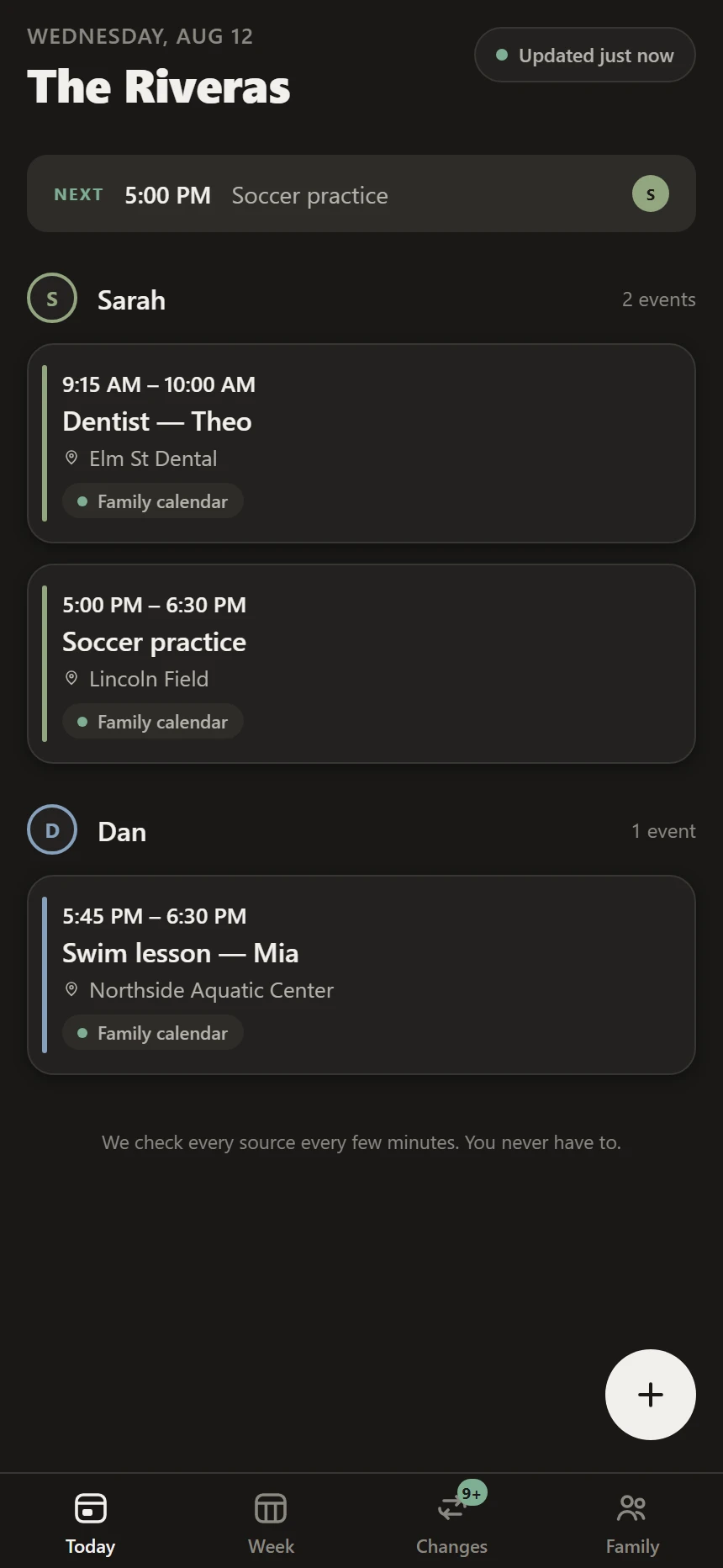
The school publishes a feed. The league edits it quietly. Your partner's trip lives in a work calendar. Family OS pulls all of it into one calm place, watches it for you — nothing to maintain, nothing to feed — and turns silent edits into a message to the right parent.
How it works
Paste a school or team calendar link, or connect Google. First source live in under five minutes — and kids never need accounts.
Each sync is compared field-by-field: new, moved, cancelled, location changed. Feed noise and republish storms are filtered out.
Push, SMS, or email — per person, with quiet hours. Anything urgent within 24 hours always breaks through.

The changes feed
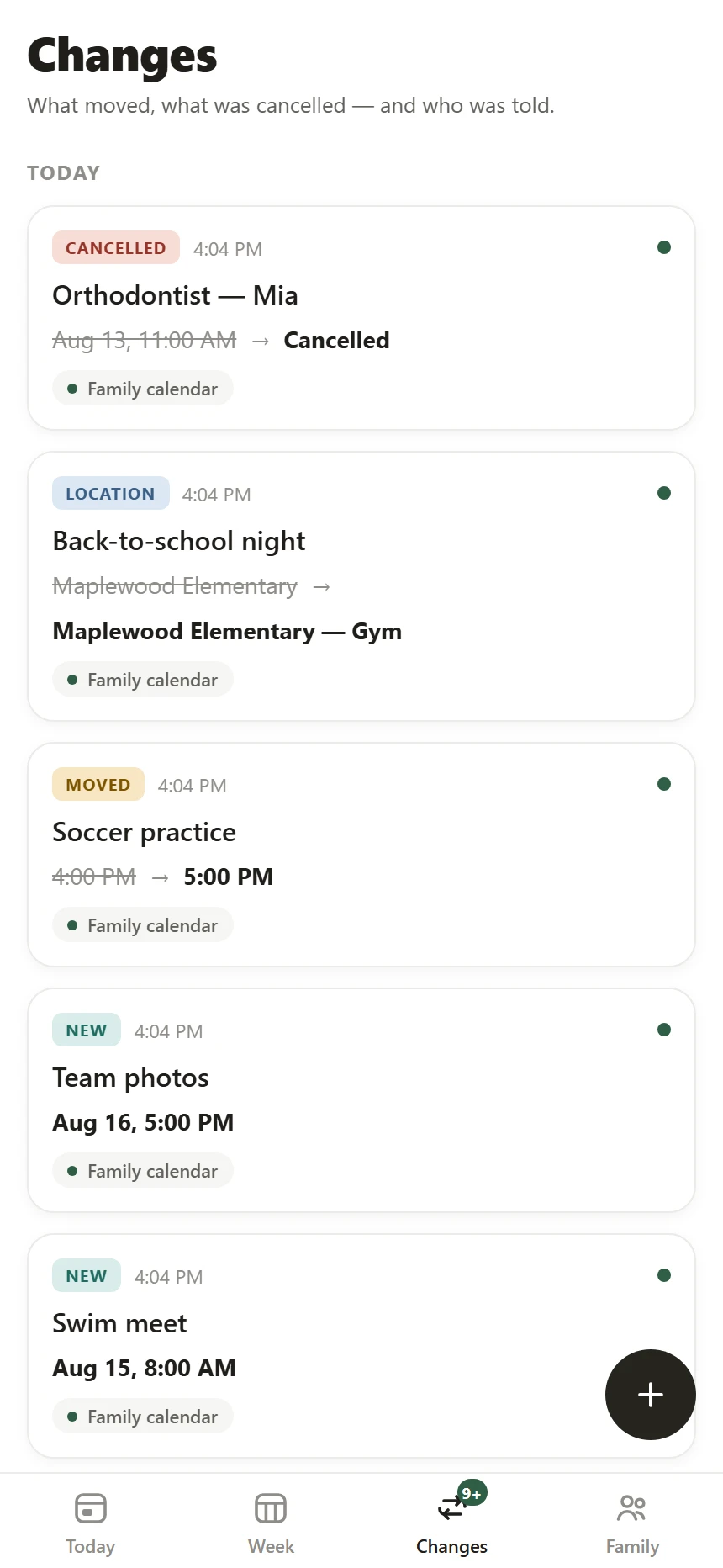
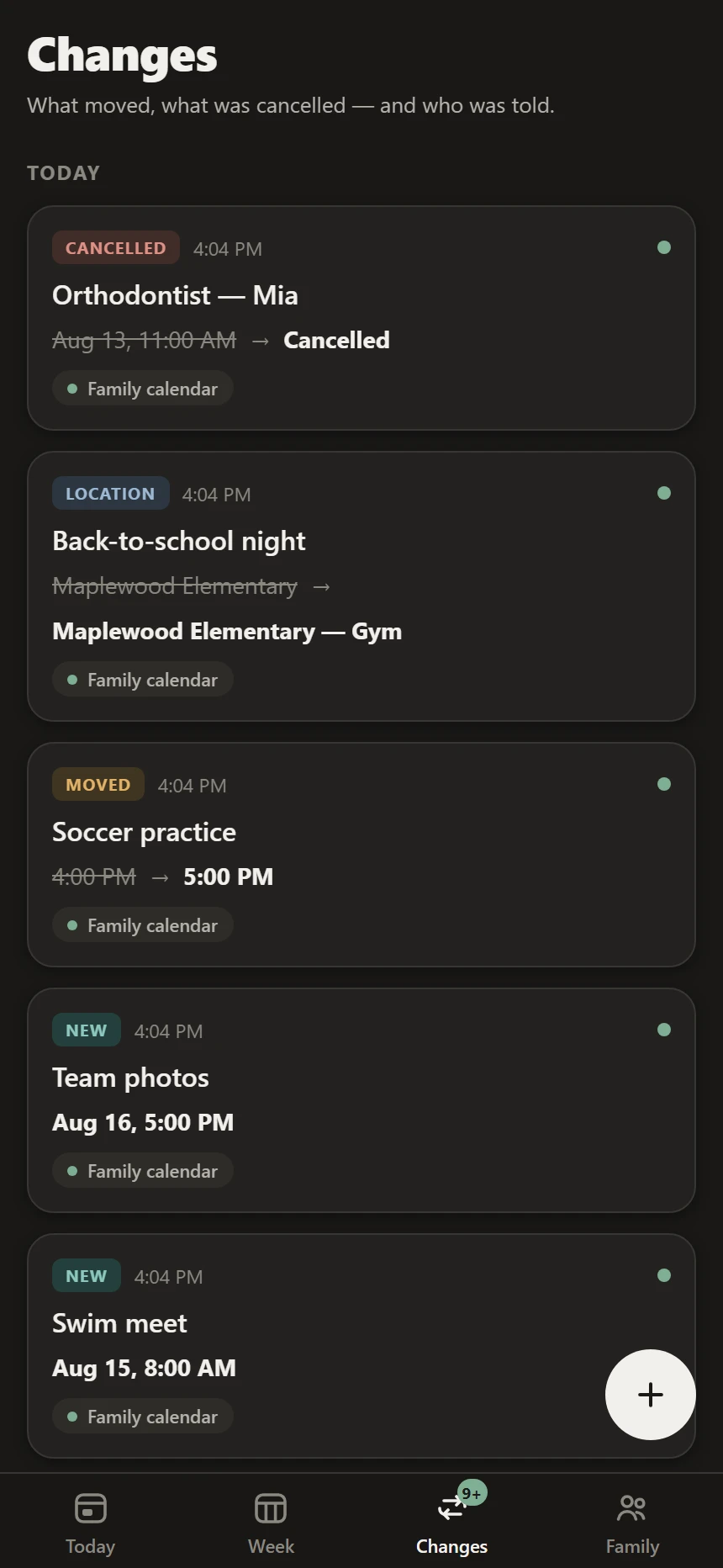
Every change reads in one line — old value struck, new value bold. And under each one, a receipt: who was told, on which channel, at what time. Nothing vanishes silently. Nothing depends on someone remembering to mention it.
Moved Soccer practice Tue 4:00 PM → Tue 5:00 PM

The week, at a glance
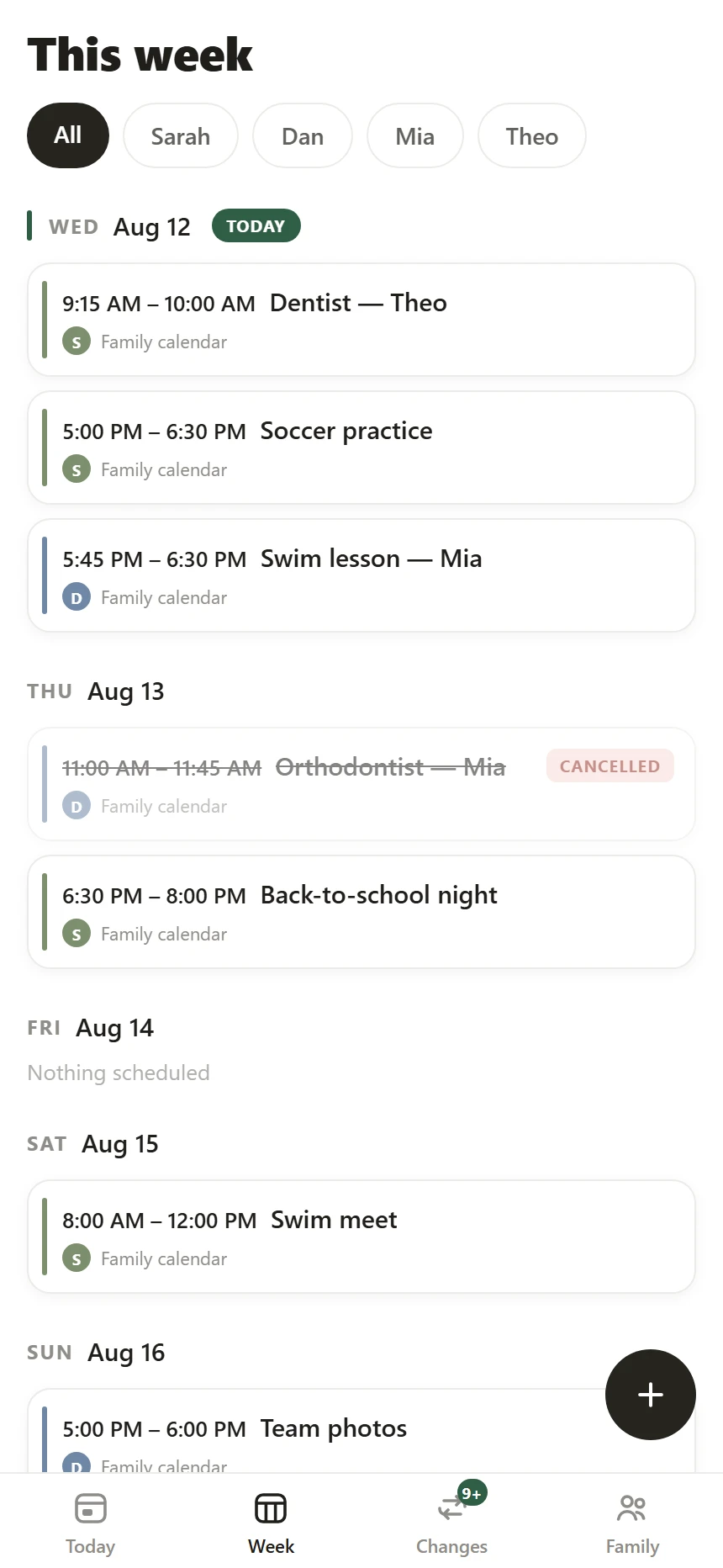
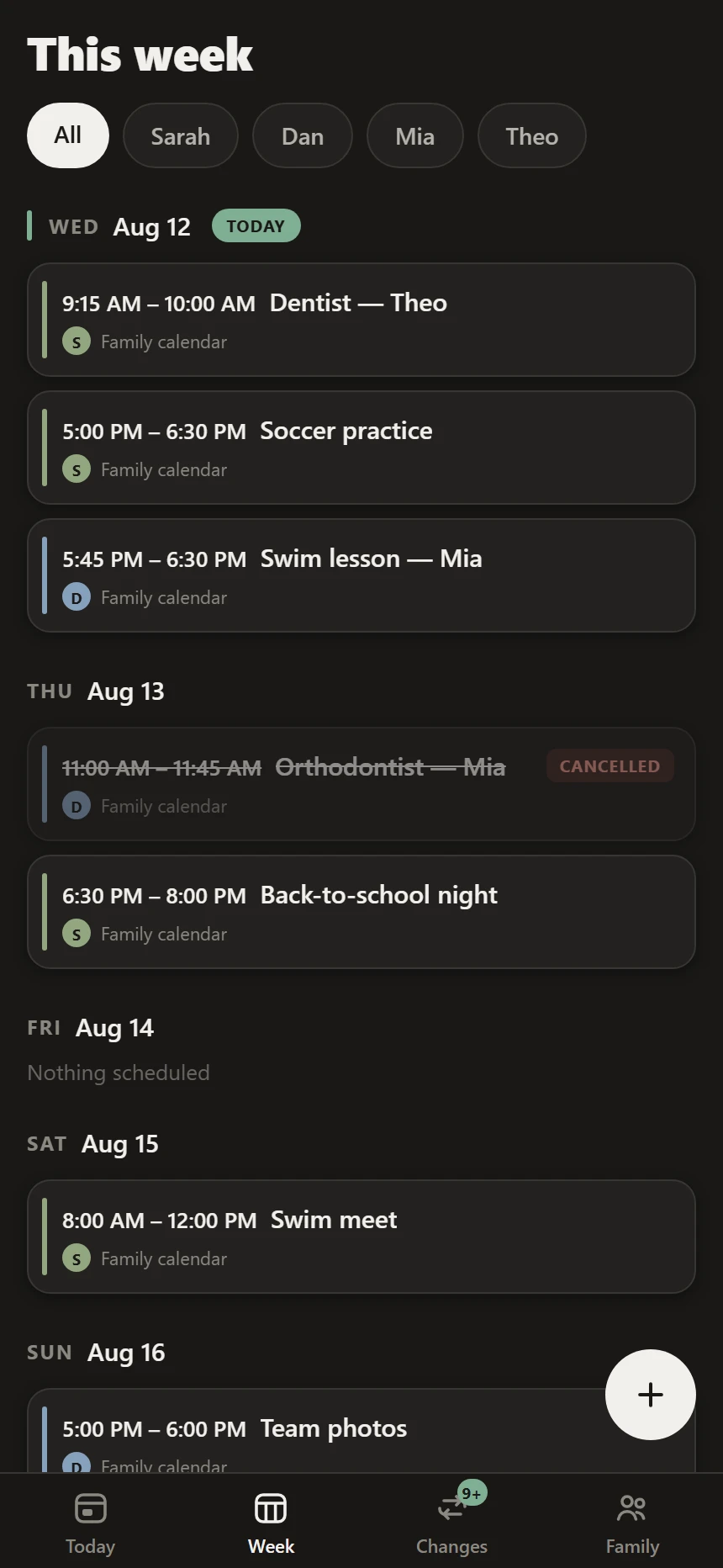
Seven days as one calm scroll — no cramped grid to pinch at. Tap a name to see only their week, or leave it on All. And cancelled events don't vanish: they stay exactly where they were, struck through, so nobody drives to a practice that isn't happening.
Sources
A feed link, a shared Google or Apple calendar, GameChanger, SportsEngine, TeamSnap, Sprocket — or just the school's web page.
No live feed? Even a PDF calendar works: Family OS reads it with AI, and you approve everything it finds before it lands. Extraction is assisted — the dates themselves are never invented.
Screens from the beta build, running today.
Notifications
Every message is templated and factual — "Moved: Maya's soccer — Thu now 5:00 PM (was 4:00)." The times are interpolated straight from the calendar. No model writes them, so no model can get them wrong.
The orchestrator behind it is built and under test: changes settle before anything sends, so a feed republishing itself can't storm your phone; duplicates collapse; quiet hours hold, and a cancellation less than 24 hours out overrides them. Every send is traceable to the diff that caused it.
Push, SMS, and email adapters are written and tested. They switch on for the beta, as carrier registration and store enrollment clear.
Lock-screen and banner surfaces are drawn by iOS, not by us — so there is no honest screenshot of them to show until the app is on real devices. What you can see today is the receipt each one leaves behind, in the Changes feed above.
Why you can trust it
Dates, times, and locations flow through parsers and diffs that are tested property-by-property — never through an AI that can make things up. That's the whole point.
Every event shows where it came from. Every change keeps its history. Every notification leaves a receipt you can check later.
A first name, a birth year, a color. That's the entire kid profile — by design, not as an afterthought.
Export everything, anytime. Delete your family and it's purged — not archived, not "deactivated." Purged.
Family OS enters private beta on iPhone this fall. Leave your email and you'll get exactly one message — when your invite is ready.
No newsletter. No spam. That would break rule four. · Privacy